Function
Gather all the information you need in advance
Forms for intakes, surveys and applications - with automatic follow-up.
You collect all the information you need in advance, without manually sending emails. And based on the answers, the system can automatically initiate the appropriate follow-up action.
Smart forms
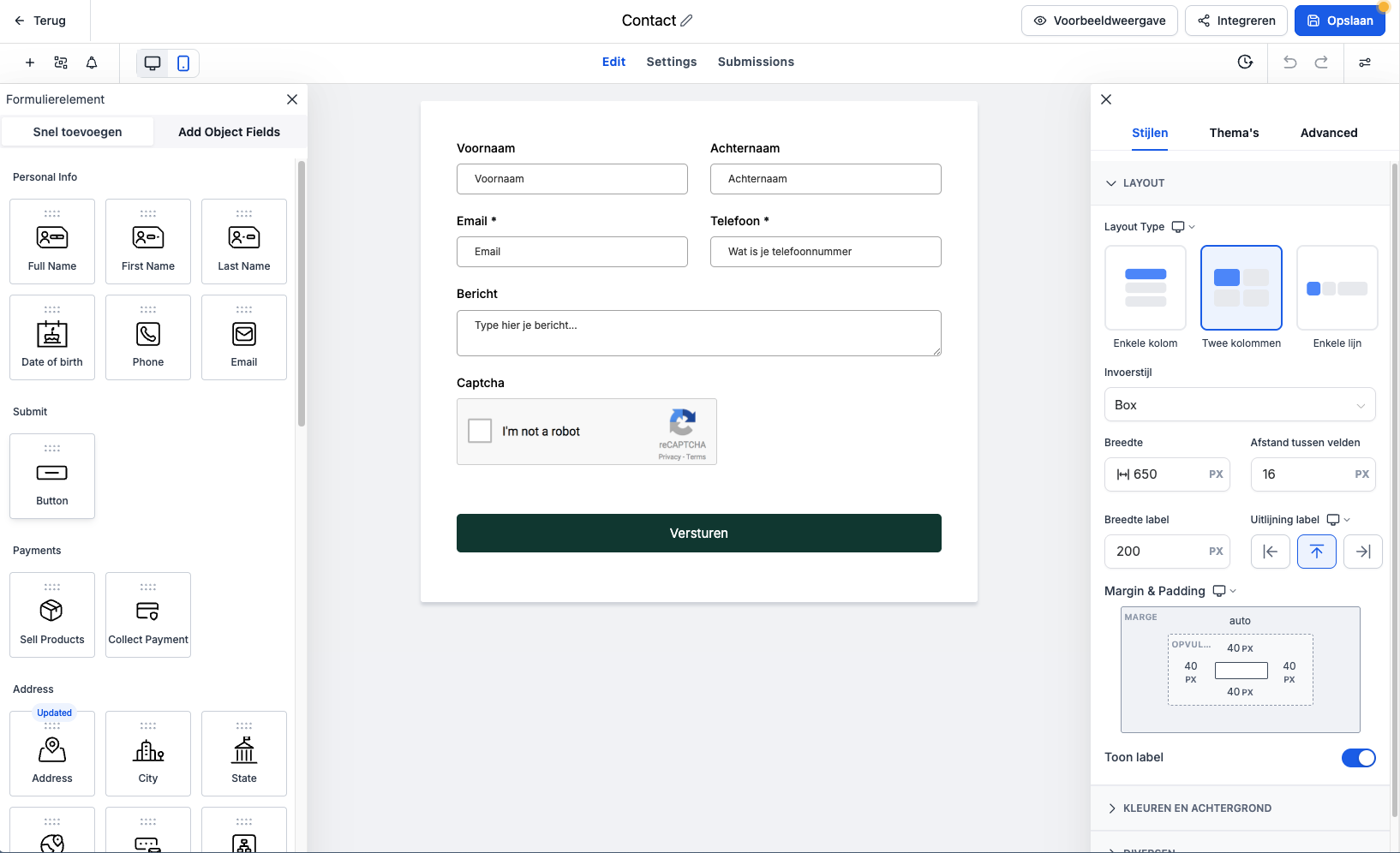
More than a contact form
Create forms that ask just the right questions - and automatically store the answers in the right place. Use them for intakes, feedback surveys, sign-ups or lead qualification.
- Conditional logic: Show follow-up questions based on previous answers. This way, each fill-in-the-blank gets a personalized experience.
- CRM linkage: Answers are stored directly with the client profile - no separate spreadsheets.
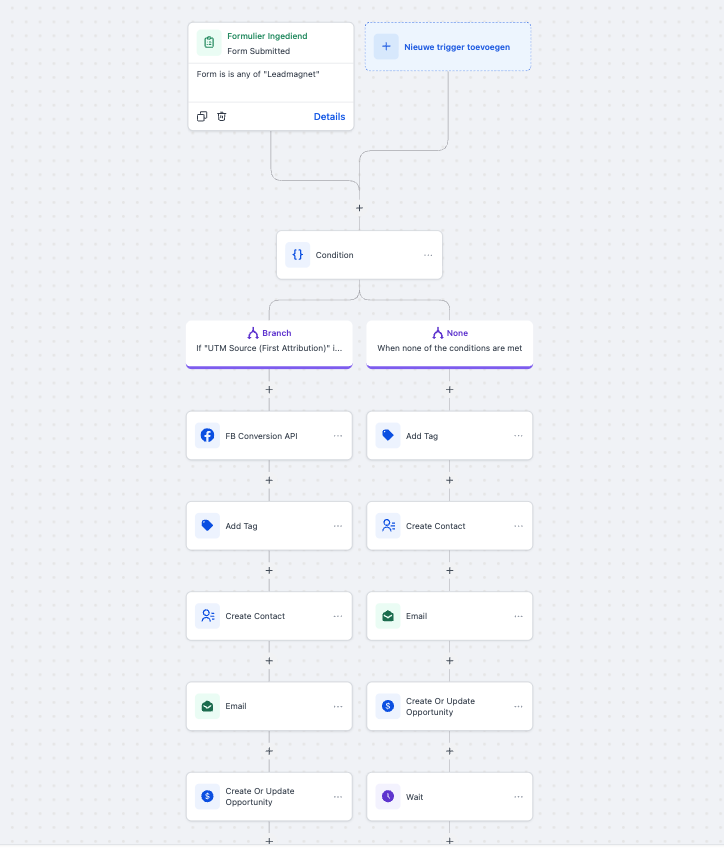
- Workflow triggers: Automatically initiate an action after completion: send an email, create a task, move the deal to a new stage.
Deeper insight
Really get to know your target audience.
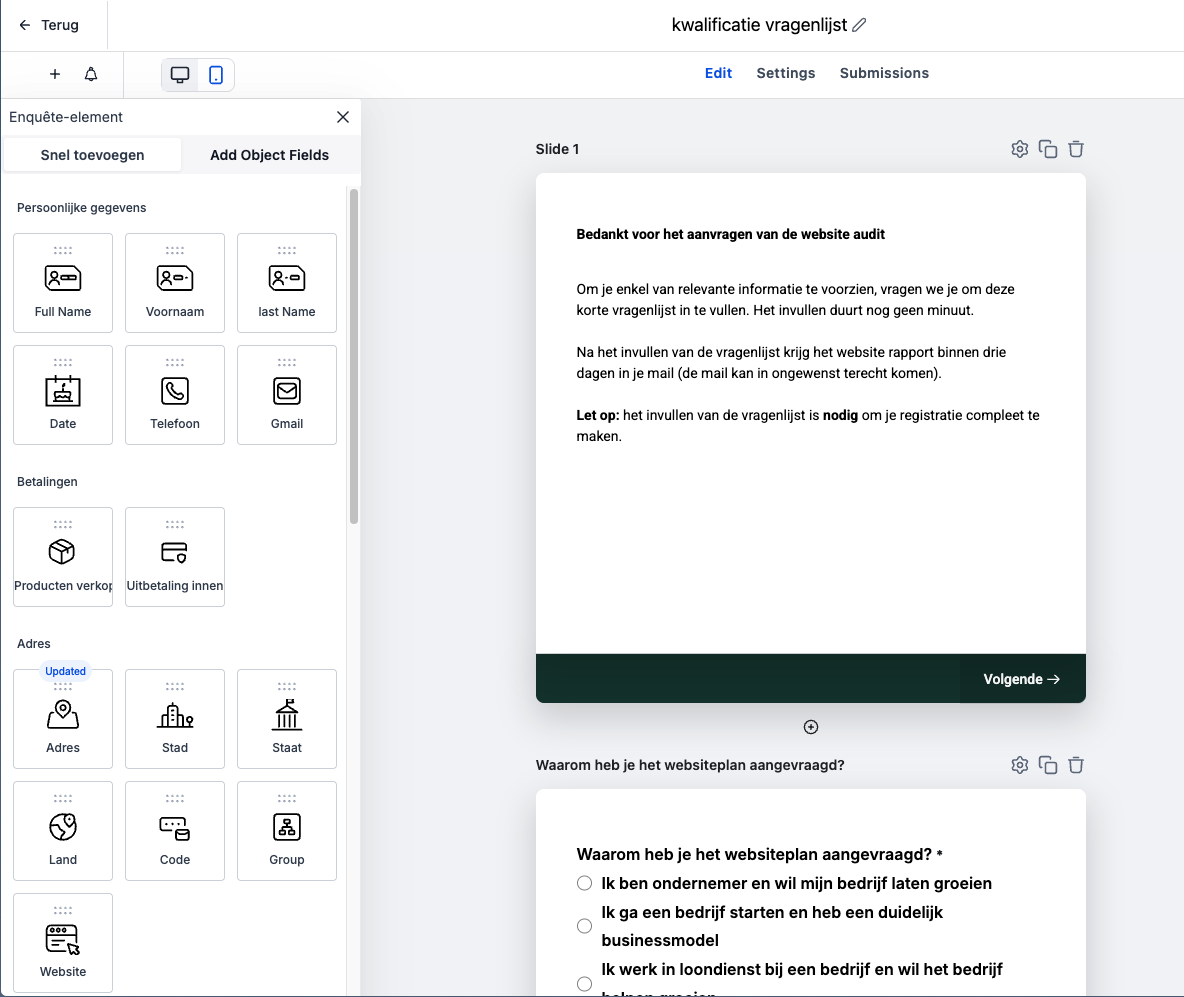
Want to know more than just a name and e-mail address? Then put in a quiz or survey. This is a powerful way to gauge needs or test knowledge.
Use it as an interactive self-test for potential customers or as an evaluation moment for existing relations. The answers give you valuable insights that you can use to fine-tune your offer or communication to their needs.
Automatic saving
Answers directly in your CRM, not in a spreadsheet
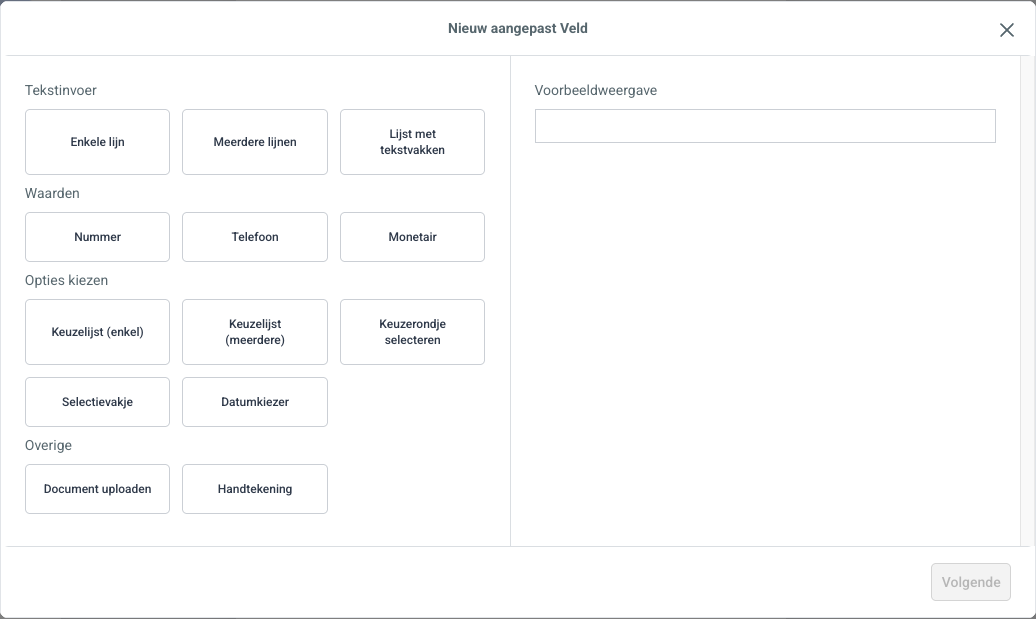
Everything someone fills out is automatically stored with the customer profile. No separate spreadsheets, no manual copying. And based on the answers, the system can automatically assign tags or populate fields.
From submission to action
Any form can trigger a workflow
After filling out a form, the system can automatically take the next step: send a confirmation email, create a task for you, add the lead to a pipeline, or start a follow-up flow. No manual intermediate step required.
You set this up once. After that, follow-up runs automatically with your process â whether it’s leads, customers or ongoing deals.
Intakes & Questionnaires
- Forms for intakes, surveys and applications
- Answers automatically stored with the customer profile
- Conditional logic - show questions based on previous answers
- Triggers workflows: send an email, create a task, move a deal

