Function
Catch visitors with a chat window
Visitors instantly ask a question on your website - even when you're offline.
Visitors who have a question but don't fill out a form usually leave without doing anything. With chat, you catch those people.
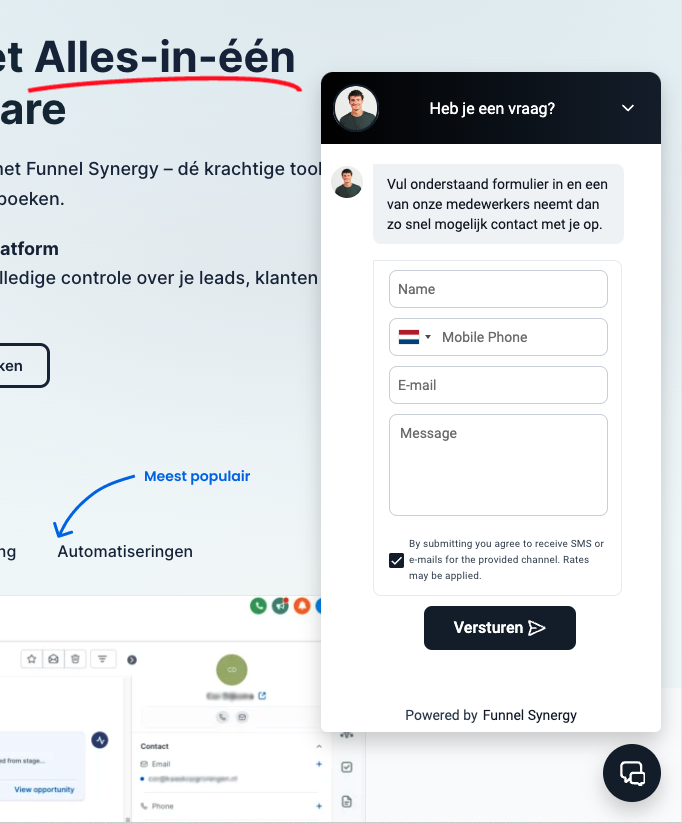
More leads from your website
Every visitor with a question is a potential customer
The website chat is a small window in the lower right corner of your site. Visitors type their question, and you (or your team) reply from the central inbox. The visitor's information is automatically saved as a new contact in your CRM.
- Customizable design: Adjust the colors, text and position so that the chat fits your website.
- Automatic lead registration: Name and e-mail are recorded - even when you are not online.
- Offline mode: If you are not available, the chat can leave a message for you to follow up later.
All information is stored directly in the CRM, including call history.
In addition, you can deploy the chatbot on multiple channels, such as your website, WhatsApp, Facebook Messenger and Instagram DM. Everything you manage from one central inbox.
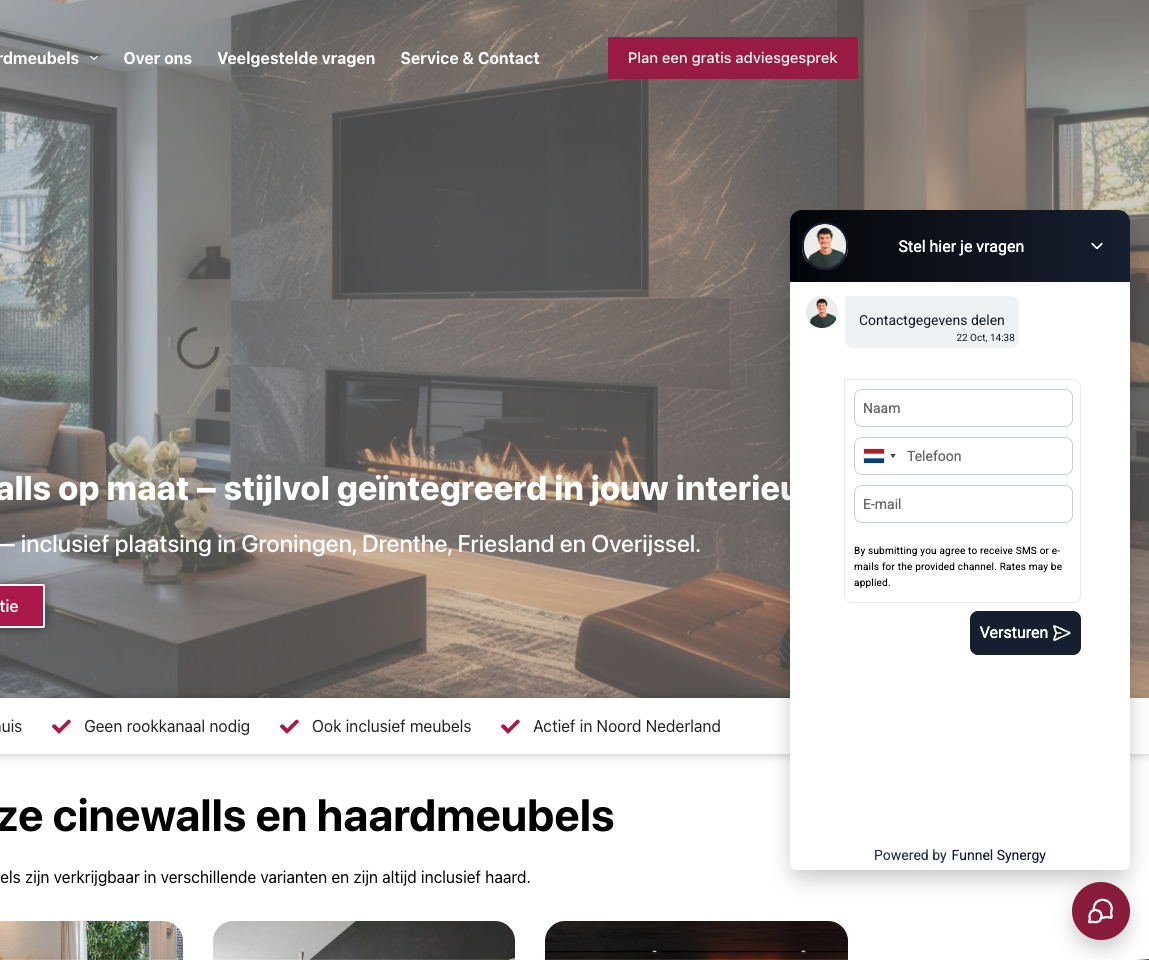
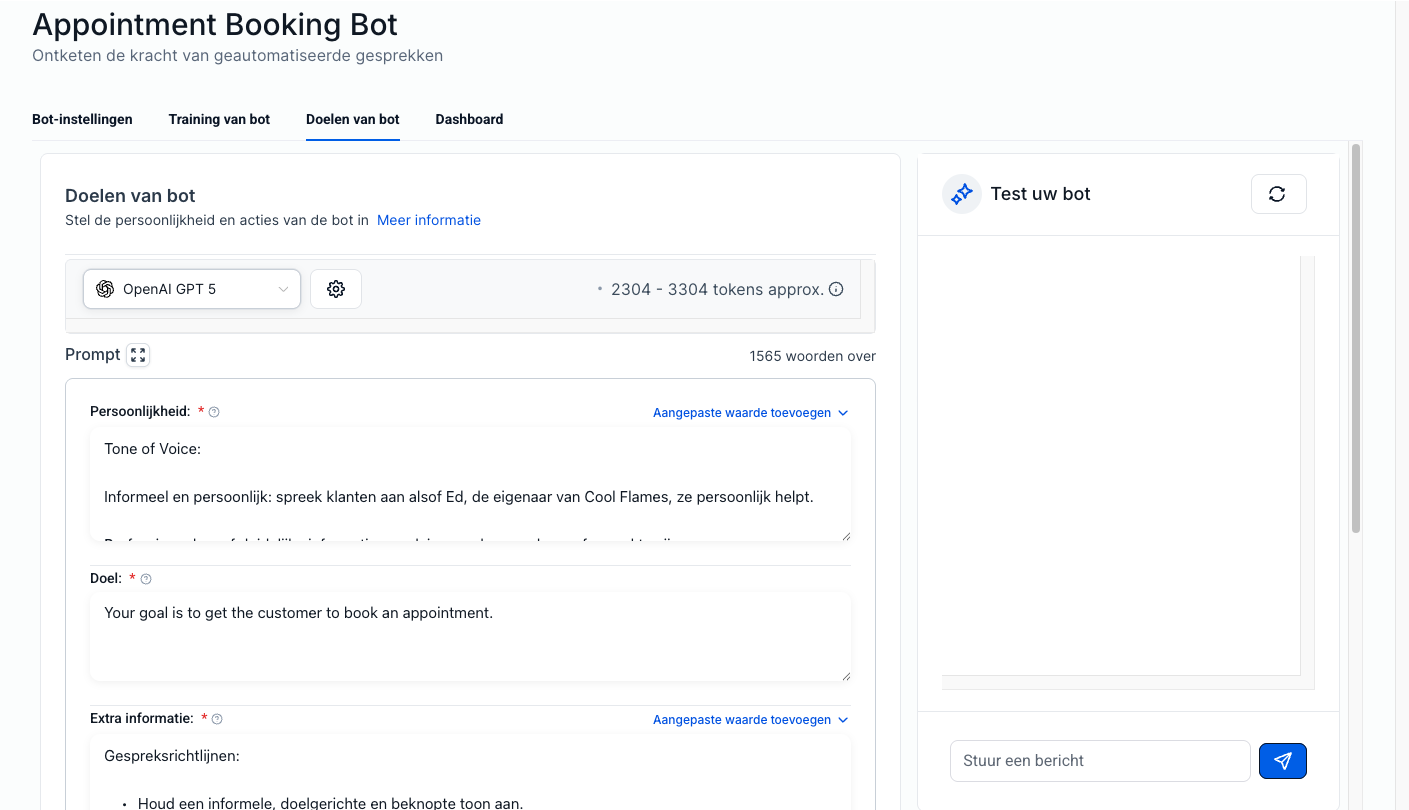
Direct action from the chat
From chat to appointment in a few clicks
A visitor asks a question via chat. You answer it, share your booking link, and the visitor books an intake that same evening. All from one system.
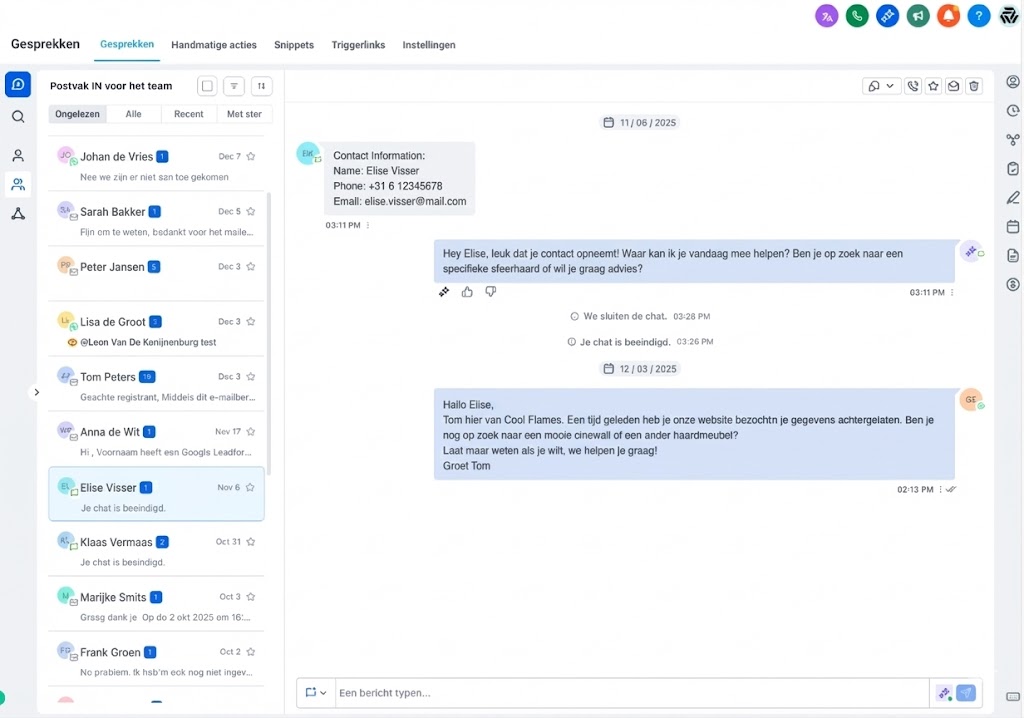
Everything in one place
From chat visitor to customer profile in your CRM
Each chat conversation is automatically associated with a contact profile. The visitor is created as a new contact if it does not already exist. All messages can later be found under the customer profile - just like emails and WhatsApp.
For visitors, it feels approachable; for you, everything remains structured.
Your appearance
A chat widget that fits your brand
Customize the colors, text, position and welcome message. The chat window feels like a natural part of your website - not an eye-catching pop-up, but an inviting option for visitors who have a question.
Website Chat
- Chat window on your website in your own house style
- Visitor data is automatically captured as a lead
- Messages arrive in your central inbox
- Automatic follow-up when you are offline

