Function
Calling from your CRM, everything is automatically logged
Make and receive calls from the system. Each call is automatically recorded.
No loose phone notes to lose. You see immediately what was discussed, and if you miss a call, the system automatically sends a follow-up.
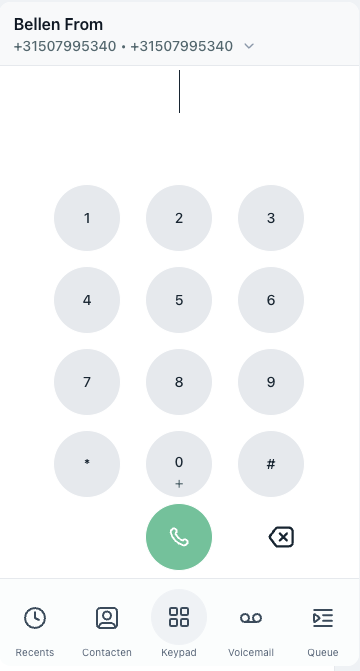
Calling without loose tools
One click, you call, it's logged
Open a customer profile, click on the phone number, and you make an immediate call. The call is automatically logged with time, duration and contact link. No post-its, no separate note-taking apps.
- Click-to-call: Call directly from any contact in your CRM without retyping numbers.
- Automatic logging: Each conversation is recorded with the appropriate client profile.
- Missed calls: When a call is missed, the system automatically sends an SMS or e-mail to the caller.
- Call tracking: For each campaign and team member, see how many calls were made and what it yielded.
See the phone system in a demo →
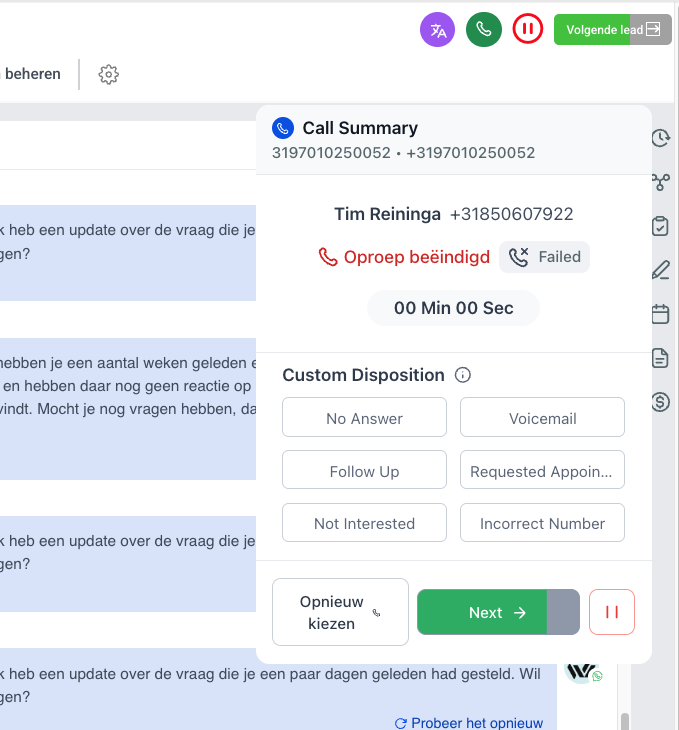
Call Tracking & Statistics
See where your pipeline leaks - conversation by conversation
You make dozens of calls a week. But how many of them lead to the next step? Without data, you're left guessing. With call tracking in SolumFlow, you can see exactly what works, what doesn't, and where your capacity is going.
Combine call data with CRM information and you know not only that someone is calling, but also from which campaign, in which pipeline phase, and with what result.
Schedule a demo and see your own dashboard →
Automatic follow-up
No conversation without follow-up
After each call, the system can automatically initiate an action: send a follow-up email, create a task, or move the deal to a new stage. Miss a call? The system automatically sends the caller an SMS with a booking link.
- After an interview: Automatically create a follow-up email or task.
- Missed call: Text to the caller with “Sorry I missed you, book a callback here.”
- Conversation notes: After the call, quickly add notes to be saved with the customer profile.
Schedule a demo | View packages and pricing
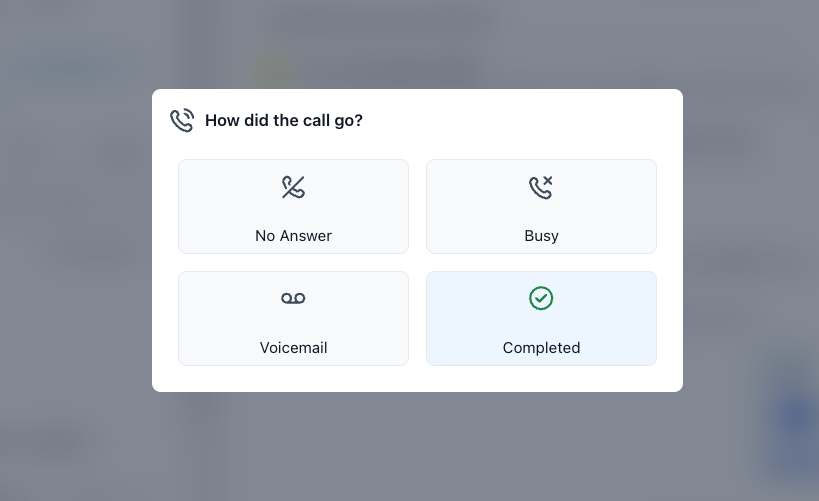
Team telephony
One system for your entire team
Do you work with multiple people? Every team member makes and receives calls from the same system. All calls are logged centrally, so everyone knows what was discussed - even if a colleague made the call.
Telephony & call log
- Click-to-call from any customer profile
- Automatic call logging with time and duration
- Follow-up on missed calls
- Call tracking by campaign and employee

